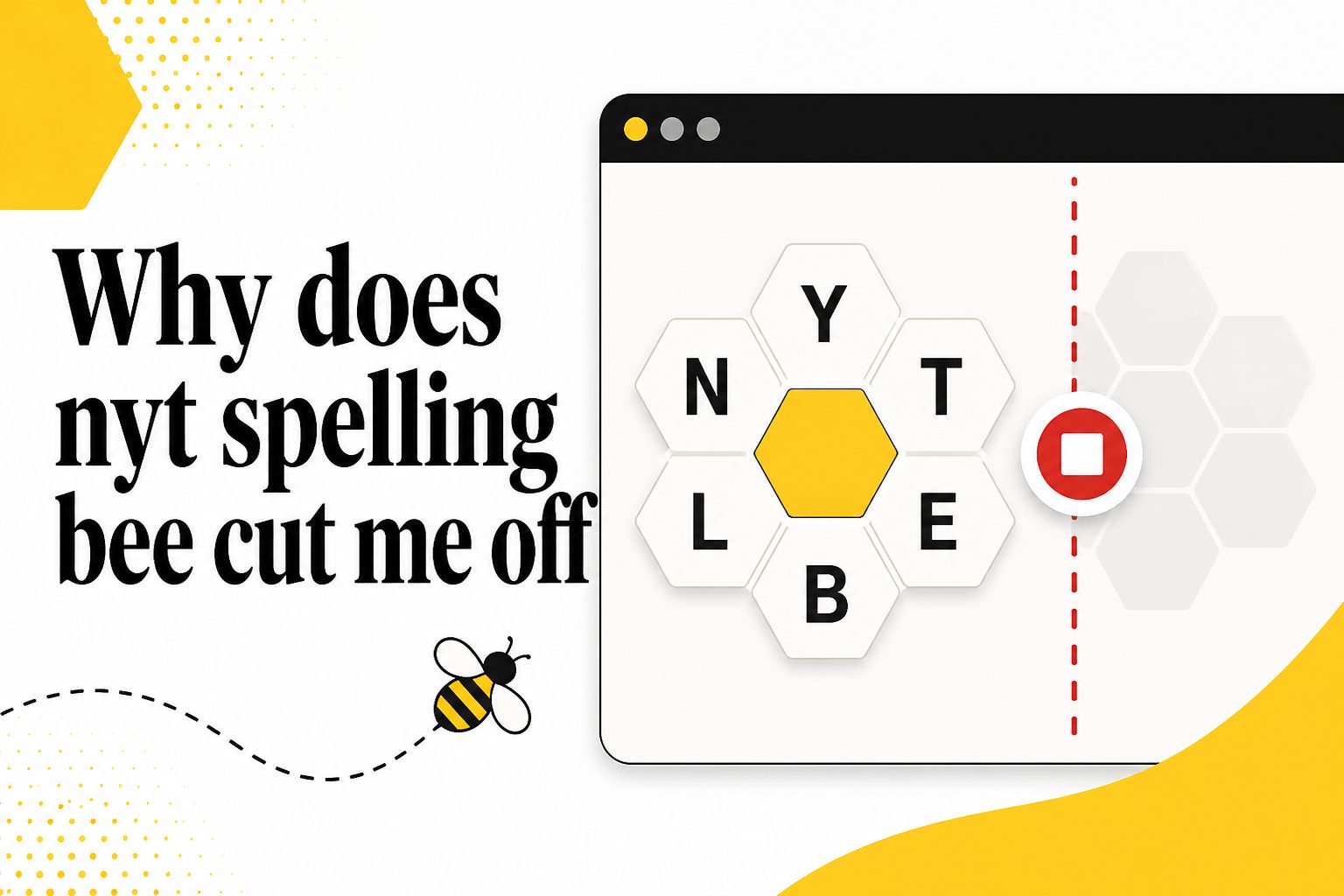
If you are searching for why does nyt spelling bee cut me off, the short answer is usually access limits, subscription status, browser/app issues, or confusion about how the daily puzzle works. Many players start solving, build momentum, and then suddenly feel blocked when the game will not accept more progress or seems to stop them before they are finished. That can feel frustrating, especially if you are close to Genius or trying to find the pangram. This guide explains what “cut off” can mean in the New York Times Spelling Bee, why it happens, how to tell whether it is a normal limit or a technical problem, and what practical steps can help. You will also learn common mistakes, best practices, real examples, and answers to frequent questions so you can get back to solving with less confusion.
What The NYT Spelling Bee Cutoff Means
Being cut off in NYT Spelling Bee does not always mean the same thing for every player. It can refer to a free-play limit, a subscription gate, an expired session, a daily puzzle reset, or a word simply being rejected by the game.
For many users, the most common meaning is that the free version lets them play only part of the puzzle. After a certain point, the game may prompt them to subscribe before continuing. This is not a penalty, and it does not mean the player did anything wrong.
Other players use “cut off” to mean the game stops responding, logs them out, or loses progress. In that case, the cause may be technical rather than account-based. Browser cookies, app updates, unstable connections, and device settings can all affect access.
There is also a gameplay meaning. Spelling Bee accepts only words in its approved answer list. If a word is real but not included, it may feel like the game is cutting you off from a valid answer, even though the puzzle is working as designed.
The right fix depends on which version of the problem you are experiencing. Start by identifying whether the issue is a paywall, a login problem, a reset, or a rejected word. Once you know that, the solution is usually straightforward.
Why NYT Spelling Bee Cuts Players Off
Several different systems affect whether you can keep playing. The game combines puzzle rules, account access, browser behavior, and daily timing, so the cutoff can come from more than one place.
1. Free Access Has Limits
NYT Spelling Bee often gives non-subscribers a preview or limited access rather than full daily play. If you reach the free limit, the game may stop showing full progress or ask for a subscription. This is the most common reason players feel suddenly cut off.
2. Your Subscription May Not Be Active
If you believe you already pay for access, the issue may be that you are not logged into the correct account. Some people have separate news, cooking, games, or trial accounts. The game only recognizes the account that has the needed games access.
3. The Daily Puzzle May Have Reset
Spelling Bee is a daily puzzle, so timing matters. If you play around the changeover time, yesterday’s game can disappear and today’s puzzle can load instead. That may look like a cutoff when it is actually the regular daily refresh.
4. Cookies Or Cache May Be Blocking Access
Your browser stores login and session information in cookies and cached files. If those files are outdated, blocked, or corrupted, the game may not recognize your access correctly. This can cause repeated sign-in prompts, missing progress, or sudden interruptions during play.
5. The App May Need An Update
Mobile apps can behave strangely when they are out of date. A stale app version may have login issues, display problems, or syncing trouble. Updating the NYT Games app and restarting your phone often fixes problems that look like account cutoffs.
6. Some Words Are Not In The Answer List
Spelling Bee does not accept every dictionary word. It uses a curated list, and some obscure, offensive, hyphenated, foreign, or proper words are excluded. When a word is rejected, it can feel unfair, but it is usually a puzzle list decision rather than a technical block.
Key NYT Spelling Bee Cutoff Factors
To diagnose the issue quickly, look at the main factors that control your playing experience. These signals help separate a normal game limit from a problem that needs troubleshooting.
- Account Type: Free accounts, trials, news subscriptions, and games subscriptions may not all provide the same Spelling Bee access.
- Login Status: If the game cannot confirm your account, it may treat you like a free player even when you have paid access.
- Device Choice: Playing across phones, tablets, and browsers can create syncing delays or session conflicts.
- Puzzle Timing: The daily reset can interrupt play if you are solving near the time a new puzzle becomes active.
- Browser Settings: Strict privacy settings, blocked cookies, or aggressive extensions can interfere with the game session.
- Word Eligibility: A rejected word may be excluded by the puzzle list even if it appears valid elsewhere.
How To Check Your Spelling Bee Access
Before assuming the puzzle is broken, run through a simple access check. This process helps you confirm whether the problem is your account, the app, the browser, or the puzzle itself.
- Check Your Login: Make sure you are signed into the account you normally use for NYT Games.
- Confirm Your Subscription: Review whether your plan includes full games access, not just general news access.
- Refresh The Puzzle: Reload the page or close and reopen the app to clear a temporary display issue.
- Try Another Device: Open Spelling Bee on a different browser or phone to see whether the cutoff follows your account.
- Update The App: Install available updates if you use the mobile app, then restart it completely.
- Clear Browser Data: Remove cookies and cache for the site if login prompts or stale progress keep returning.
- Review The Word Rules: If only certain entries fail, the issue may be the accepted answer list, not access.
- Wait And Recheck: If the service is temporarily slow, a short wait can resolve syncing or loading errors.
Examples Of NYT Spelling Bee Cutoffs
Examples make the issue easier to recognize. These common situations show how different cutoff experiences can look similar but have different causes.
The Subscription Prompt Appears Midgame
You may enter several words and then see a prompt asking you to subscribe before continuing. This usually means you have reached the free-play limit. The puzzle is functioning normally, but full access requires the correct paid games access.
Your Progress Disappears After Refreshing
If your score vanishes after you reload, the game may not have synced your session. This can happen when you are logged out, switching devices, or using privacy settings that block storage. Signing in again often restores saved progress.
A Valid-Looking Word Is Rejected
Players often feel cut off when a word they know is not accepted. Spelling Bee uses its own curated answer list, so not every real word qualifies. The word may be too obscure, capitalized as a proper noun, hyphenated, or outside the puzzle’s preferred vocabulary.
The Puzzle Changes While You Are Playing
If the day changes during your session, the game may load the new puzzle. This is most noticeable for players who solve late at night or early in the morning. The cutoff is really the daily transition, not a judgment on your progress.
The App Keeps Asking You To Sign In
Repeated login prompts usually point to a session issue. Your app may need an update, your device may be blocking cookies, or your account token may have expired. Logging out completely and signing back in can refresh the connection.
The Game Works On One Device Only
If Spelling Bee works on your phone but not your laptop, the problem is probably local to that browser or device. Extensions, cached data, blocked scripts, or outdated software can all stop the game from recognizing access correctly.
Common NYT Spelling Bee Cutoff Mistakes To Avoid
Many players lose time because they treat every cutoff as the same problem. Avoiding these mistakes makes troubleshooting faster and keeps the game less stressful.
1. Assuming Every Cutoff Is A Bug
A subscription prompt, daily reset, or rejected word is not always a technical error. Before troubleshooting deeply, identify what actually happened on screen. A message about access points to account status, while a rejected word points to puzzle rules.
2. Using The Wrong Account
It is easy to sign in with an email that does not carry your subscription. This is especially common when people use family devices or multiple email addresses. Always confirm the account shown in the game matches the one connected to your plan.
3. Ignoring Browser Extensions
Ad blockers, script blockers, privacy extensions, and strict tracking protection can affect puzzle loading and login recognition. If the game behaves strangely, try a clean browser window or temporarily disable extensions for testing before changing your account settings.
4. Clearing Everything Without Checking First
Clearing all browser data can log you out of many services and may not be necessary. Start with a different browser or private window to test the issue. If that works, then clear only the relevant site data rather than wiping everything.
5. Confusing Word Rejection With Access Limits
If the game accepts some words but rejects others, you are probably not being cut off by a paywall. You are running into the accepted word list. Check whether the word uses only the seven letters and includes the required center letter.
6. Waiting Too Long Near Reset Time
Players who solve close to the daily changeover can lose the flow when the next puzzle appears. If you care about finishing a specific day’s grid, try not to leave the final stretch until the last few minutes before the puzzle refreshes.
Best Practices For NYT Spelling Bee Cutoffs
A few habits can prevent most cutoff frustration. These best practices help you keep access stable, protect progress, and understand the difference between normal limits and solvable problems.
Stay Signed Into One Main Account
Use the same account consistently across devices whenever possible. This reduces confusion about subscriptions and progress syncing. If you share a device, check the profile before playing so you do not accidentally solve under someone else’s login.
Keep The App And Browser Updated
Updates often fix login, display, and performance problems. If Spelling Bee starts cutting off unexpectedly, update your browser or app before assuming something larger is wrong. A quick restart after updating can also clear old session behavior.
Use A Stable Connection
Although Spelling Bee may appear simple, account checks and progress syncing still need a reliable connection. If your internet drops during play, the game may fail to save or verify access. Reconnect, reload, and confirm your latest score before continuing.
Learn The Puzzle Word Rules
Knowing the rules prevents unnecessary frustration. Words must use only the provided letters, include the center letter, and meet the minimum length. Even then, the answer list is selective, so a rejected word is not always a sign of a problem.
Check Access Before A Long Session
If you plan to spend serious time chasing Genius or Queen Bee, confirm your subscription and login first. Starting with a quick access check can prevent the disappointment of reaching a limit after you have already invested energy in the puzzle.
Troubleshoot One Variable At A Time
Change only one thing when testing a cutoff issue. Try another browser, then another device, then a fresh login. This makes it much easier to identify the cause instead of creating more confusion with several changes at once.
Practical NYT Spelling Bee Cutoff Use Cases
Different players experience the cutoff in different ways. These use cases show what to do depending on how and where the problem appears.
1. Casual Free Player
If you play casually without a subscription, being cut off is usually part of the free access model. You can still enjoy the sample play, but full daily solving may require a games plan. The key is knowing the limit is expected.
2. Paid Subscriber
If you pay and still get stopped, focus on account verification first. Sign out, sign back in, and make sure the correct account is active. If the issue appears only on one device, troubleshoot that device instead of the subscription.
3. Mobile App User
App users should check updates, restart the app, and confirm they are signed in. Mobile sessions can expire quietly, especially after operating system updates. If the app keeps failing, testing in a mobile browser can help isolate the issue.
4. Desktop Browser Solver
Desktop players should look closely at cookies, cache, and extensions. If the game works in a private window or another browser, the account is probably fine. The original browser likely has stored data or settings interfering with the session.
5. Late Night Player
If you solve near the daily reset, the cutoff may be timing-related. The puzzle can change while you are still thinking through the final words. Starting earlier or finishing before the reset window reduces the chance of losing your place.
6. Word List Frustrated Player
If your issue is rejected words, study the pattern instead of assuming failure. Proper nouns, very specialized terms, abbreviations, and uncommon variants may not count. Over time, you learn the puzzle’s style and waste less effort on unlikely entries.
Advanced NYT Spelling Bee Cutoff Tips
Once the basics are clear, these advanced tips can make your solving routine smoother and reduce repeated access problems.
Separate Access Problems From Gameplay Problems
Ask whether the game stopped all play or only rejected specific words. A total stop suggests account, device, or session trouble. Individual word rejection suggests puzzle rules. This single distinction prevents most wasted troubleshooting and points you toward the right fix.
Keep One Trusted Device For Serious Solving
If progress matters to you, use one reliable device for most sessions. Switching constantly between phone, tablet, and desktop can introduce syncing delays. A consistent setup makes it easier to notice when something truly unusual happens.
Test Before Clearing Data
Before clearing cookies or reinstalling an app, test the puzzle somewhere else. If another browser works immediately, your subscription is likely fine. That evidence helps you make a targeted fix instead of taking broad steps that may create new logins.
Watch For Subscription Category Confusion
Some players assume any New York Times subscription includes every game. Access can depend on the exact plan, bundle, or trial. If the cutoff is persistent across devices, plan details are worth checking carefully before troubleshooting your browser.
Build A Reset-Time Habit
If you regularly solve near the daily changeover, treat the reset as part of the game environment. Avoid starting a long final push too close to the refresh. This habit keeps a normal schedule event from feeling like a sudden cutoff.
Record Repeated Error Patterns
If the problem keeps returning, note the device, browser, time, message, and whether you were logged in. Patterns matter. A repeated issue after app updates or on one browser gives you better evidence than a vague memory of being cut off.
NYT Spelling Bee Cutoff Troubleshooting Checklist
Use this checklist when the game interrupts you and you are not sure why. It gives you a quick review before you spend more time guessing.
- Check The Message: Read whether the screen mentions subscribing, signing in, loading trouble, or an invalid word.
- Confirm The Account: Make sure the active account is the one connected to your games access.
- Reload Carefully: Refresh once and see whether progress returns before taking stronger action.
- Try Another Browser: A second browser can quickly reveal whether the issue is local to your setup.
- Update Your App: Install available updates if you play on mobile and the problem repeats.
- Check Puzzle Timing: Consider whether the daily reset may have changed the puzzle during your session.
Frequently Asked Questions
Why Does NYT Spelling Bee Cut Me Off If I Am Playing Free?
Free access is often limited, so the game may let you start but stop full progress after a certain point. That cutoff is usually intentional and connected to subscription access. If you want uninterrupted daily solving, you need the correct games access on your account.
Why Does Spelling Bee Cut Me Off Even Though I Subscribe?
If you subscribe and still see a cutoff, you may be signed into the wrong account, using an expired session, or experiencing a browser/app issue. Sign out, sign back in, confirm the plan tied to the account, and test another device to narrow the cause.
Does A Rejected Word Mean I Was Cut Off?
Not usually. A rejected word means the entry is not accepted for that puzzle. It may break the letter rules, miss the center letter, be too short, or fall outside the curated answer list. If other words still work, your access is probably fine.
Can The Daily Reset Make It Look Like A Cutoff?
Yes. If you are solving close to the daily puzzle changeover, the game may refresh into the next puzzle. That can feel like you were interrupted, especially if you were near a high rank. It is a timing issue rather than a punishment.
Why Does Spelling Bee Work On My Phone But Not My Computer?
When the game works on one device but not another, the problem is usually device-specific. Browser cache, blocked cookies, extensions, outdated software, or login state can interfere. Try a different browser, update software, and check whether privacy settings are blocking the session.
What Should I Do First When Spelling Bee Cuts Me Off?
Start by reading the exact message on the screen. Then confirm your login, refresh once, and try another browser or device. Those steps quickly tell you whether the issue is account access, technical behavior, puzzle timing, or normal word rejection.
Conclusion
NYT Spelling Bee can cut you off for several reasons, but most fall into clear categories: free access limits, subscription recognition, daily reset timing, browser or app problems, and rejected words. Once you identify which category fits your situation, the fix becomes much easier.
The best approach is to check your account, keep your device updated, test one variable at a time, and remember that the puzzle has its own curated word list. With those habits, you can spend less time troubleshooting and more time enjoying the daily solve.